Quick Replies in WhatsApp Business: Phone vs Desktop
WhatsApp Business has had quick replies for years, and yet most small businesses still type everything by hand. Not because the feature is hidden — because it is awkward in the exact moment you need it.
How it works today
You save a reply with a shortcut like /thanks, then type / and pick from a short list. On phone this is fine up to about ten entries. Past that, you are scrolling a dropdown while a customer watches the “typing…” indicator.
On WhatsApp Web and Desktop it is faster — the slash menu is keyboard accessible — but it still costs a menu interaction per message.
Where the built-in stops
- No search. You scroll. With forty replies you scroll a lot.
- No context. Nothing knows that
/refundmatters for billing conversations and/pricefor new leads. - No reuse outside WhatsApp. The same answers are needed in email, Instagram DMs and comments — three other places where you type them again.
- No per-person adaptation. Built-in replies are inserted verbatim; the tool cannot learn that you always soften the first line.
When the built-in is genuinely enough
Under ten replies, one person handling messages, WhatsApp as your only channel. That describes a lot of small businesses, and for them the built-in is the right answer — free, no install, no learning curve.
When it costs you time
Three signals: you use more than fifteen distinct replies; you also answer the same questions on other channels; or you find yourself retyping a reply because scrolling beat searching.
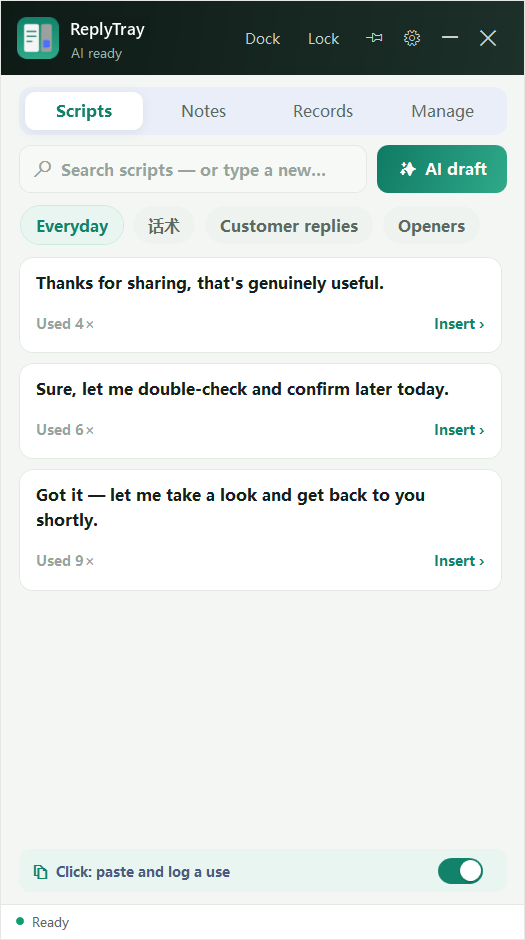
At that point, the choice is between a WhatsApp-only tool and something channel-agnostic. If most of your volume is WhatsApp, a WhatsApp tool wins. If it is spread across WhatsApp, email and social, a panel that follows your cursor wins — that is the case ReplyTray is built for. The general comparison is here.
A useful middle step
Before buying anything, export your WhatsApp Business quick replies into a plain list and count them. If most of them are under fifteen words and rarely change, the built-in will serve you for another year.