Windows Text Expander Built In: What Microsoft Actually Gives You
People search for a “built-in” text expander hoping to avoid installing anything. Good news: Windows has three partial answers. Bad news: none of them is a snippet manager.
1. Clipboard history (Win + V) — the closest thing
Stores your last 25 copied items, pins favourites, syncs across devices if you enable it. In practice this is a tiny, unnamed snippet list: copy the five replies you use most, pin them, and Win + V becomes a picker.
Limits: 25 items, no names, no categories, no search, and copying anything new pushes things out unless pinned.
2. AutoCorrect in Word and Outlook
Replace ;ty with a paragraph, inside Office only. Genuinely useful for long email paragraphs, useless in a browser.
3. PowerToys
PowerToys does not ship a snippet manager, but Keyboard Manager can remap keys, and Paste as Plain Text saves formatting headaches. Useful plumbing, not an answer.
What “built-in” cannot do
- Search your library by meaning (“the refund one”)
- Work identically in a browser comment box, a chat app and Outlook
- Track which lines you actually use
- Adapt wording per person without editing the stored version
When Win + V is genuinely enough
If you have under ten recurring lines, work on one machine, and mostly paste whole blocks, clipboard history plus pins is a completely reasonable setup. It is free, it is already there, and it survives reboots.
When to install something
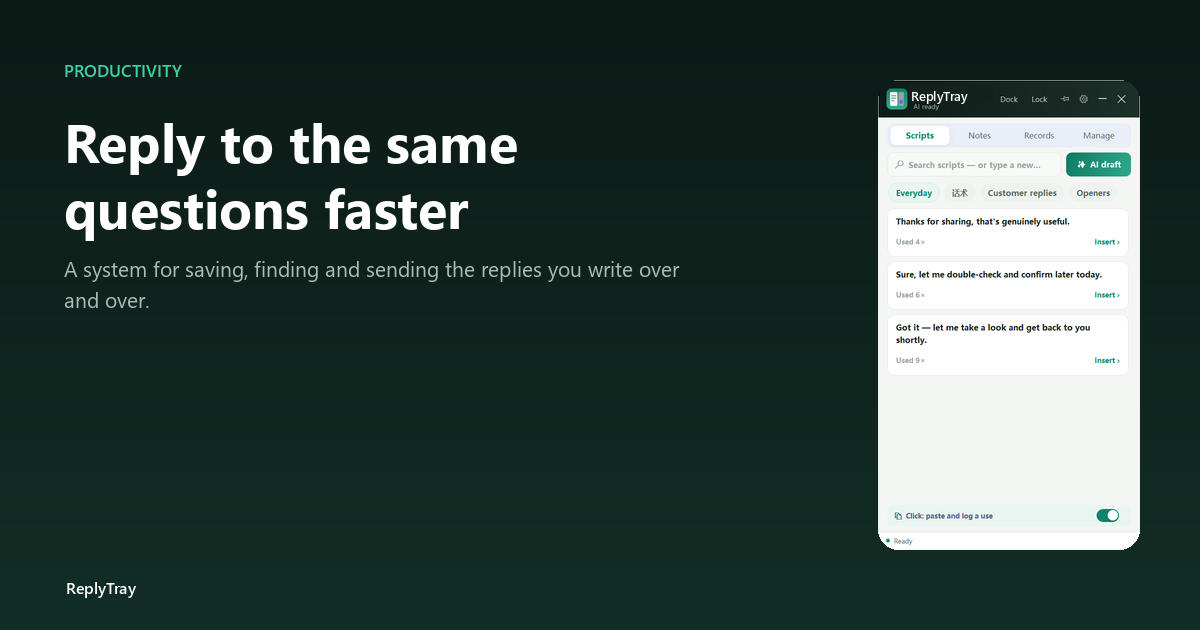
The day you catch yourself scrolling the clipboard list looking for a reply you cannot name, the built-in has hit its ceiling. At that point the cheapest upgrade is a panel with search — which is what ReplyTray is, and why it has a search box that also accepts new lines. Full comparison.